
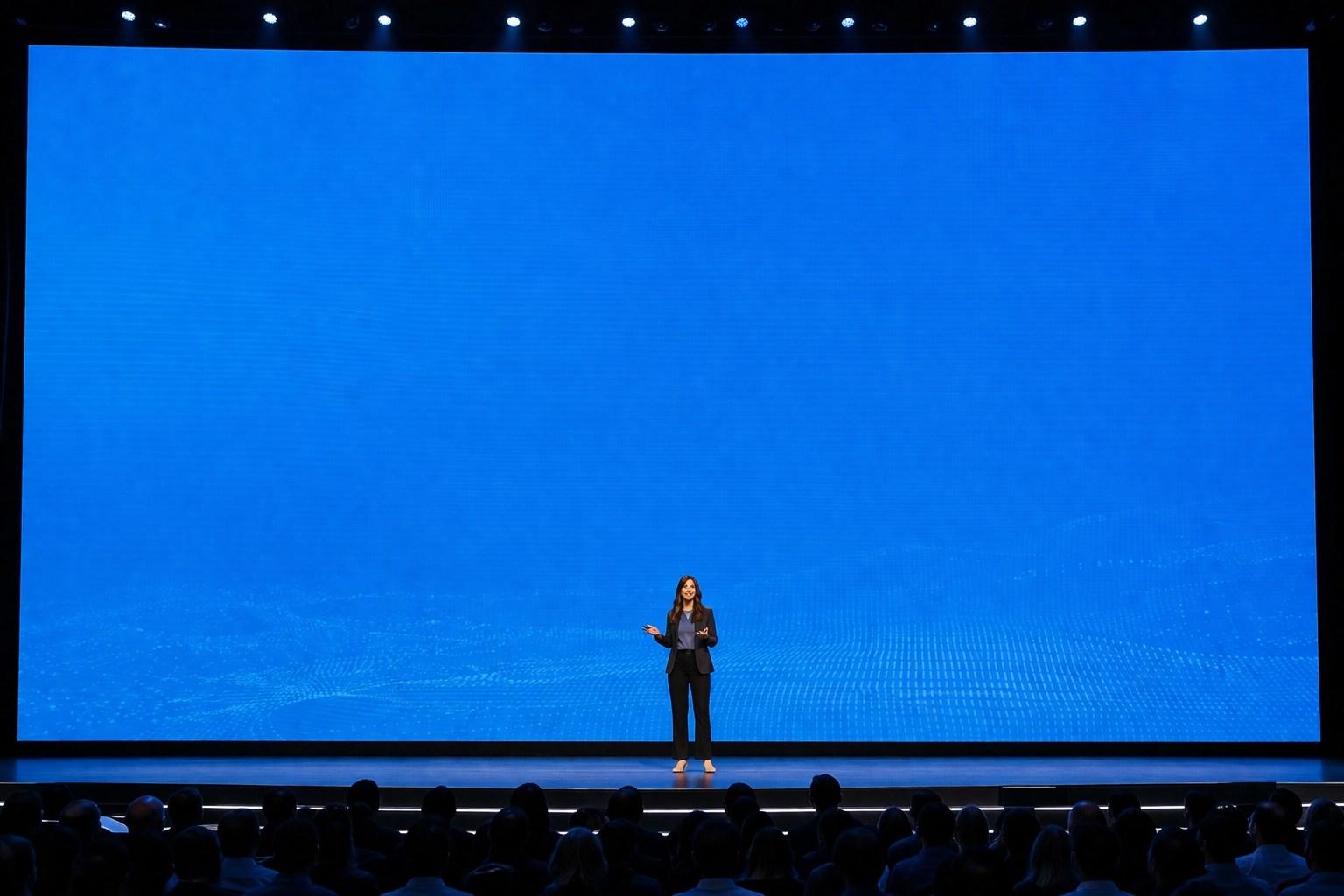
How do you stand out without being overpowered by technology? Seasoned speakers know how to navigate the stage. But what happens when you’re in front of a floor-to-ceiling screen and you look small by comparison?
As an executive speech coach, I help clients own the room but that becomes more challenging with a giant screen as a background. The goal is to make sure that the room doesn’t own you!
Keep these tips in mind to command the stage.
Simplify & Scale.
A large screen amplifies every detail making slides look more cluttered.
Project one idea per slide.
Limit text to 3-5 words and make them super large.
Develop oversized visuals that will display to the back of the room.
Create contrast with a dark background and light text or a light background and dark text.
Avoid these graphics to prevent the audience from reading.
Small charts
Complex diagrams
Spread sheets
Paragraphs
Manage your Physical Space
Stand off center as to not block the slide.
Use purposeful movement. Moving purposefully across the stage will bring the attention back to you.
Move forward for an emotional moment. Step to the side to bring focus back to the slide.
Stand 15-20 feet from the slide.
Match your Energy to the Size of the Screen
This requires a performance, not a standard board presentation.
Use bigger, wider gestures. Take up space.
Project your voice more strongly to make a greater impact.
Pause strategically and longer.
Partner with the Screen
Do not point. The audience won’t see your finger. Instead,
Use words to direct attention to the slide, “Take a look at the upper right hand corner..,”
Create Builds. By revealing one idea at a time you control the attention of the audience.
Go to black to tell a story so that the slide doesn’t compete with you. You can create a black slide by pressing the letter /b/ on the keyboard.
Get Out of the Shadows
Avoid being cast in a shadow being seen as a silhouette. Work with a lighting expert and ask for
Front lighting
Some side lighting for contrast
Dress rehearsal with lighting
Keep Transitions Simple
On a large screen fast-moving slides can jolt the audience.
Transition slowly
Don’t use flashy animations
Use simple fades
Structure the Talk like a Movie
Start with a strong opening visual
Add one memorable visual toward the end
Keep the final slide clean with no clutter
Own the Room
When presenting with a giant screen there are two choices.
You own the room OR
The room owns you.
Connect with me on LinkedIn
Subscribe to my youtube channel
To work with me visit diresta.com